ShelfSnap
Photograph a bookshelf and get a browsable catalogue of every book on it.
Point your phone at a bookshelf and ShelfSnap identifies the books from their spines, then fills in covers, ratings and genres, ready to export as a spreadsheet.
- Gemini 2.5 Flash reads titles and authors from one shelf photo
- 3-tier lookup: Open Library, then Google Books, then Goodreads
- API keys stay server-side in Vercel functions, with a strict CSP
-
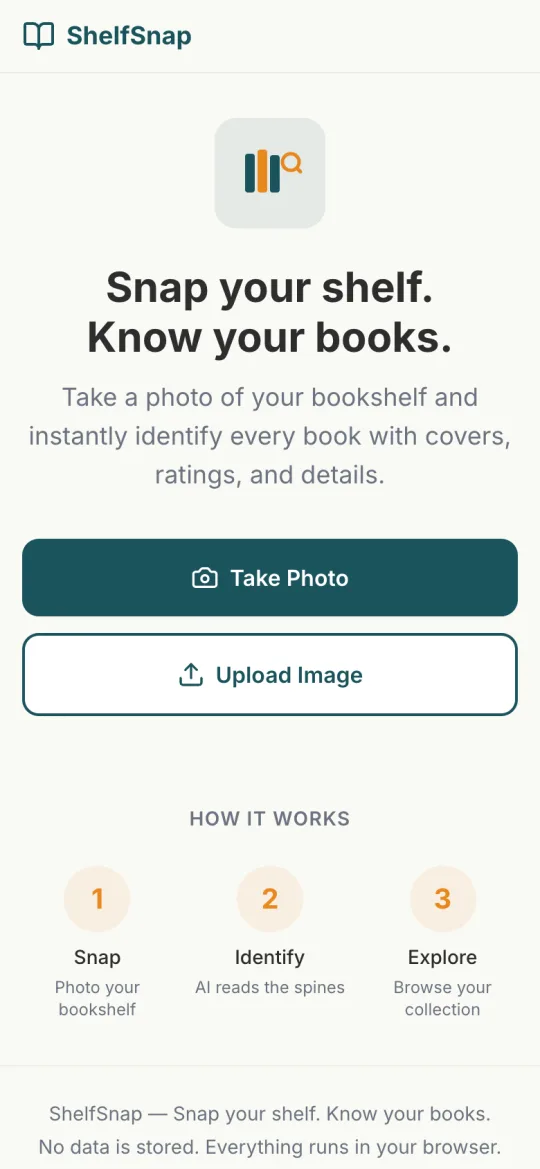
Start screen
-
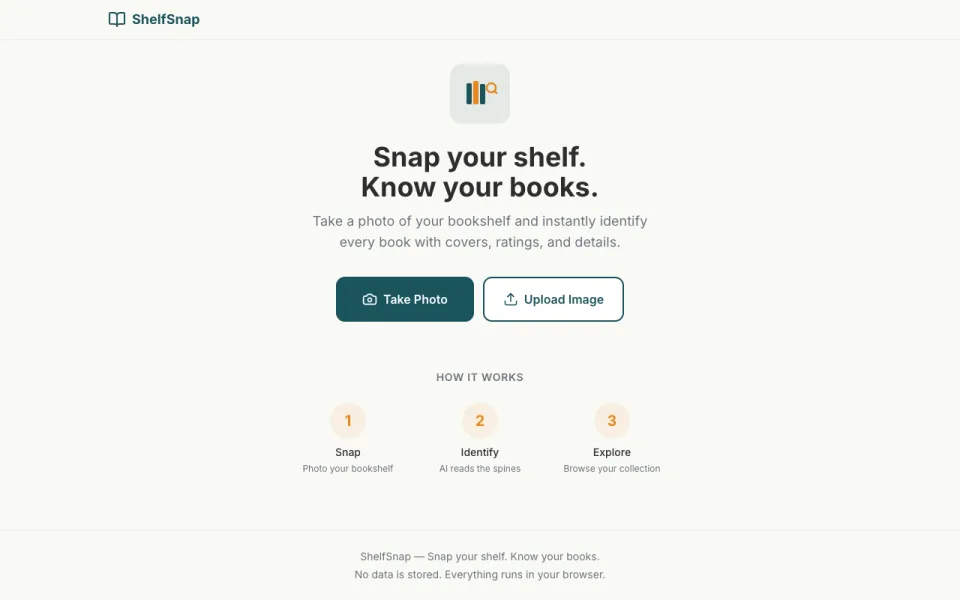
On desktop
The itch
Cataloguing a home library by hand takes an afternoon per shelf. A photo should be enough.
What I built
A React app with a few Vercel serverless functions behind it.
- You upload a photo of a shelf.
- Gemini 2.5 Flash identifies each book’s title, author and, where it can, ISBN.
- Each book is looked up in Open Library first, then Google Books as a fallback.
- Goodreads enrichment adds ratings, genres and better covers without blocking the list.
- You review and select the results, then export them to CSV.
The hard part
Book data is inconsistent across sources, so matching scores each candidate before choosing it. OCR through Google Vision was the first approach; Gemini reading the whole photo turned out more accurate and replaced it.
All API keys live in server-side functions in production, and the site ships a strict Content-Security-Policy that only allows the image and data hosts it needs.
Where it stands
A working prototype, built in February 2026 and updated since.
The video uses “Terry Pratchett collection” by Damien Pollet (Wikimedia Commons, CC BY-SA 2.0) as the shelf photo.